01 / DRIVE ATMOSPHERE
One button. A new mood.
See scene selection in the workspace.
 Customer Access ↗
Shape the atmosphere. Find your perspective.
Make Assetto Corsa feel like your own.
Explore Astrologicals with Kilian. A closer look at the workspace, the atmosphere and the view from behind the wheel.
Watch the full overview on YouTube ↗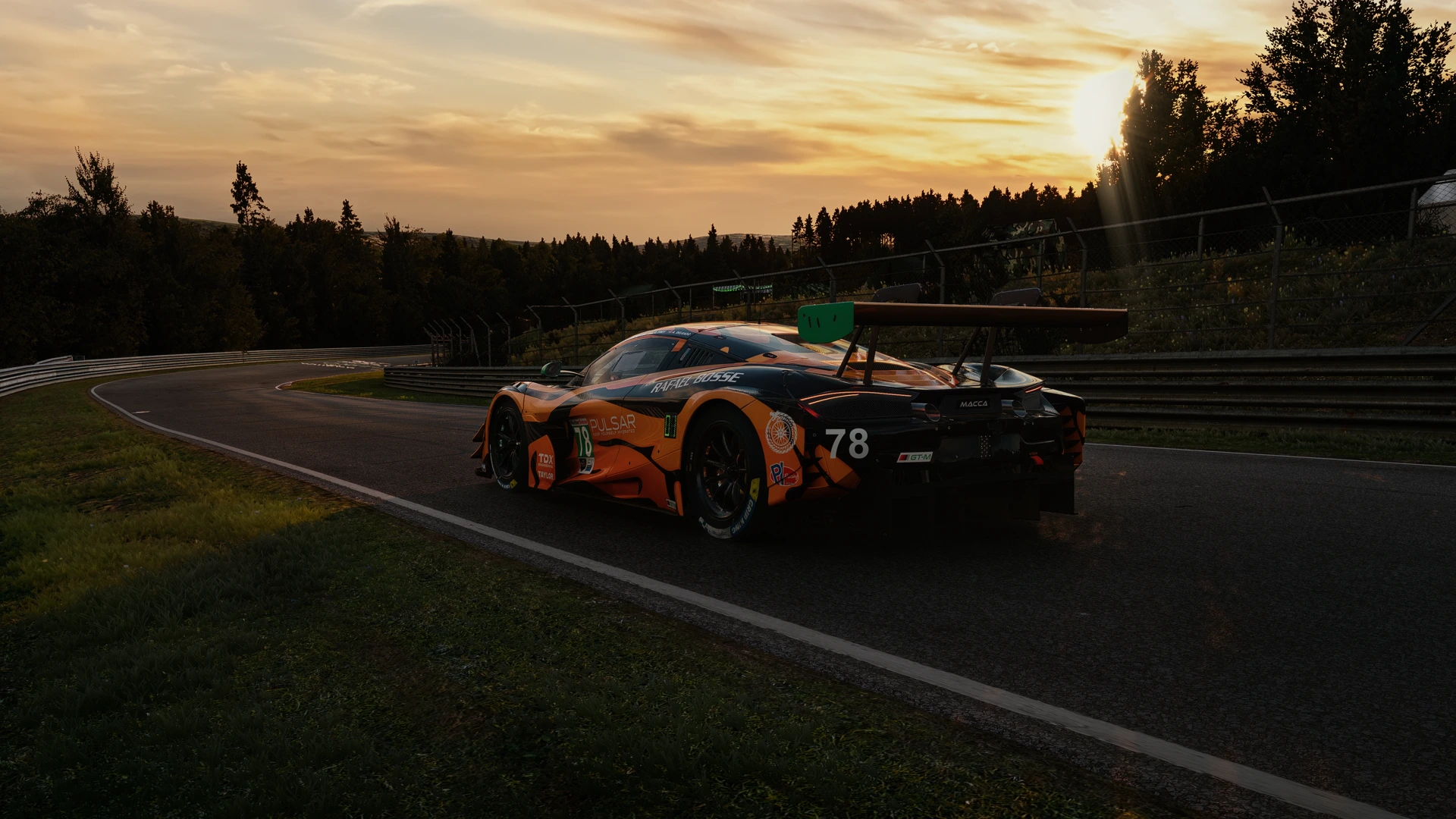
The video connects to YouTube only when you choose to load the player.
From the first light over the circuit to a rain-soaked evening, bring your preferred look together in one considered workspace.
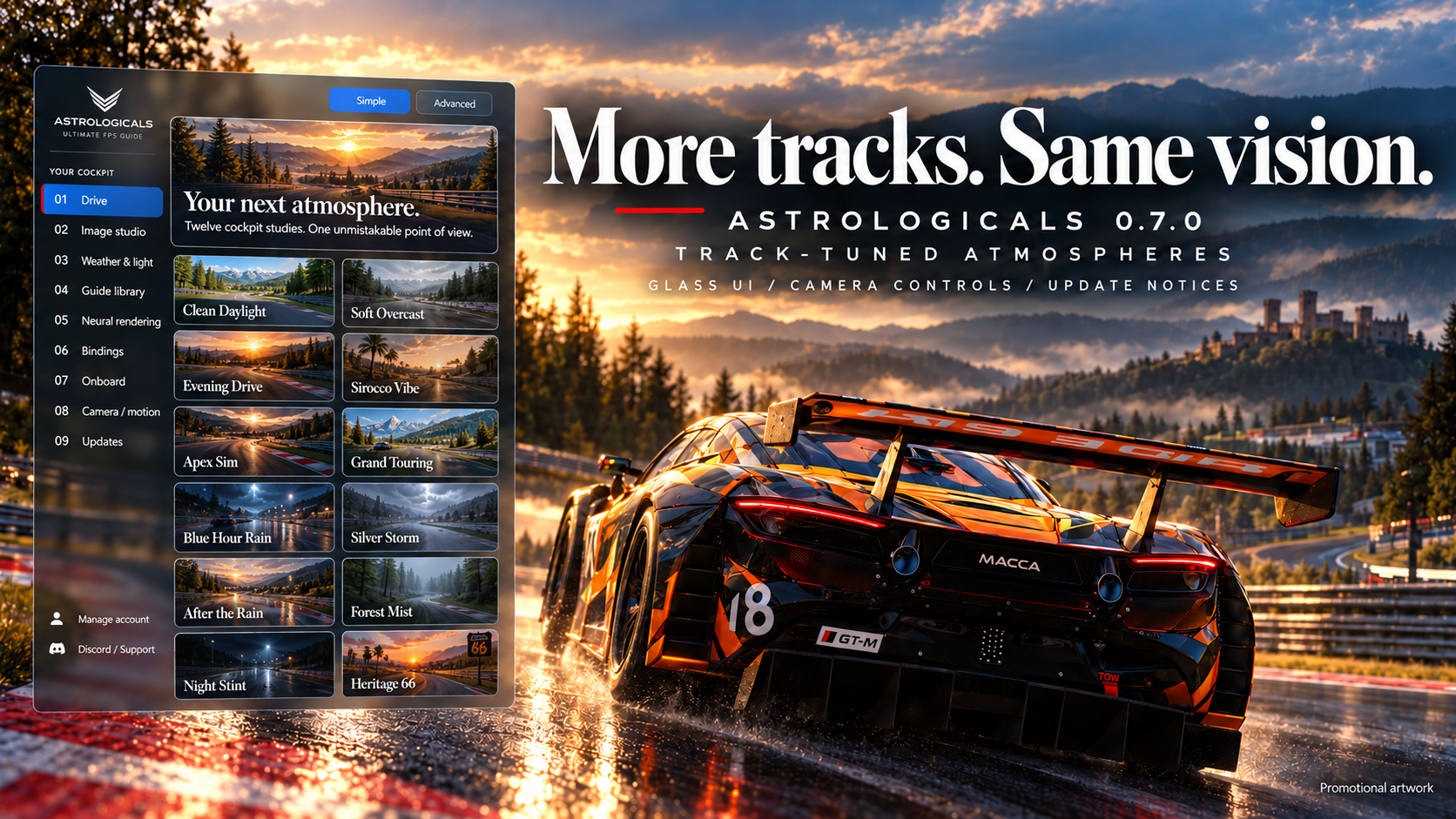
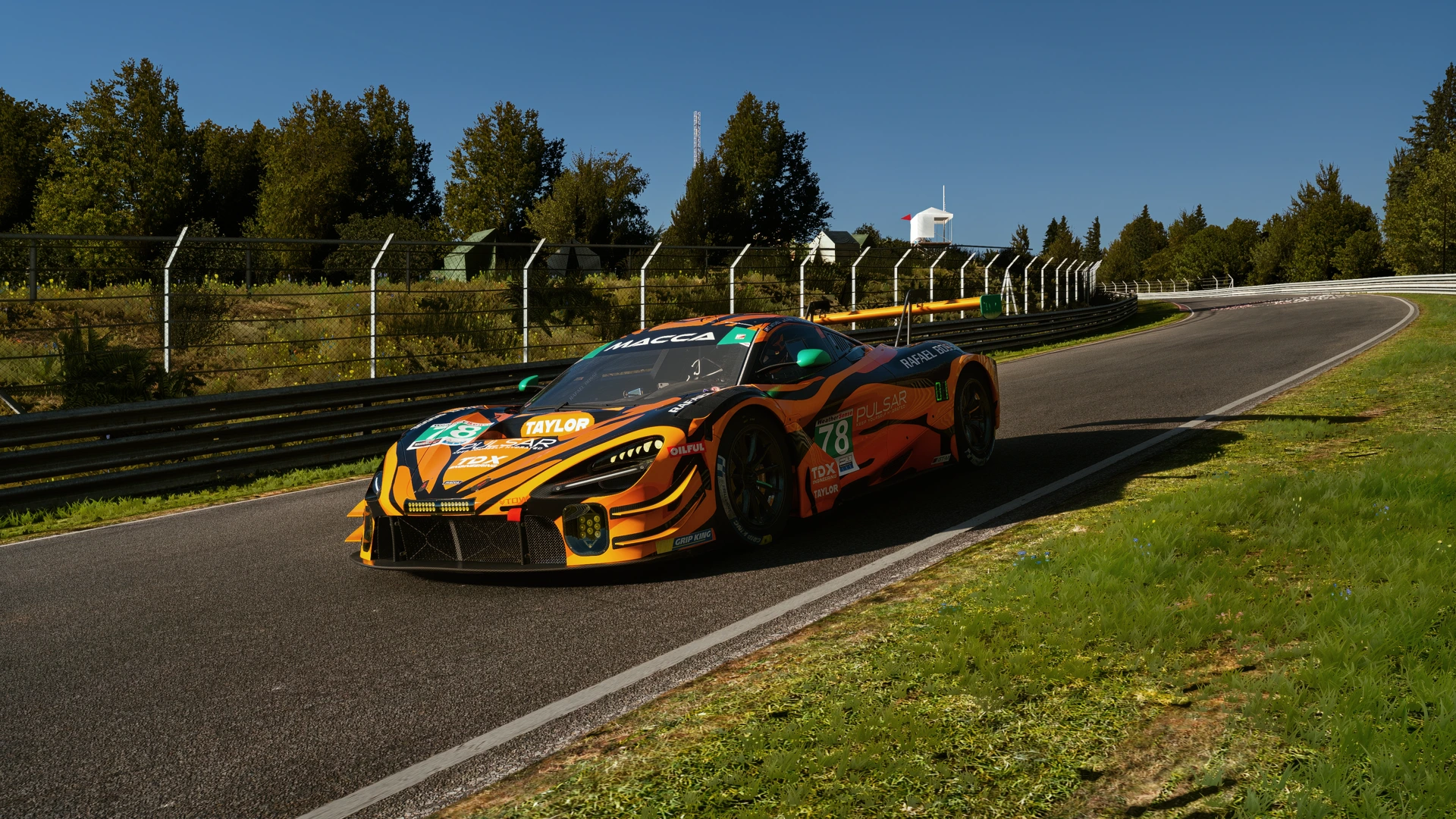
Fresh 4K photographs from the current app on Nordschleife. Explore a scene to see it in full.
Captured in Assetto Corsa on October 26, 2026 using the current installed scene recipes. No added photography lights or AI compositing. Web images are resized from the 4K originals. Appearance varies with track, display and supported software configuration.
Three quick looks at the tools behind your drive. Select a film to watch with sound and subtitles.
See scene selection in the workspace.
A closer look at placing the sunset.
Explore water and wetness controls.
These short films were recorded with an earlier app revision. See Compatibility and Customer Access for the current supported release.
Lifetime access through Gumroad.
Membership options through Patreon.
Explore the full guide and lifetime app access. View the current package and purchase details on Gumroad.
Explore lifetime access ↗Explore the membership tiers and their included benefits on Patreon, alongside creator updates and community posts.
Explore memberships ↗Start with the versions tested for the current app release. New third-party releases are verified before we recommend migrating.
For the original Assetto Corsa on Windows. EVO and Competizione use different systems and are not supported by this app.
APP 0.7.1 · TESTED CONFIGURATION · REVIEWED OCTOBER 26, 2026
Use modifications at your own risk. Game crashes, graphical faults, reduced performance or lost settings can occur when combining third-party software. Back up before updating. Intended for capable mid-range to high-end PCs; no universal performance or hardware guarantee is made. Optional neural-rendering / DLSS-related features need separate hardware and software checks. Do not disable security protections or hardware safeguards to make them work.
Read the full risk, warranty and liability terms ↗Nordschleife · Barcelona GP · Black Cat County Long · Brands Hatch GP · Highlands Intermediate · Imola · Laguna Seca · Magione · Monza 1966 Full · Mugello · Nürburgring GP A · Red Bull Ring GP · Silverstone GP · Silverstone 1967 · Spa · Trento Bondone · Vallelunga Extended · Zandvoort
Other layouts and modded tracks are not covered by these calibrated profiles.
Follow the setup tutorial, then keep Customer Access close for your account and downloads.
YouTube loads only after you select the player.
Lifetime through Gumroad, or an eligible Patreon membership. Check each offering’s included benefits.
Sign in to Customer Access and follow the installation instructions. Keep your supported CSP and Pure versions ready.
Follow the portal’s activation steps. App updates retain your existing PC link, personal scenes and bindings.
For setup questions, troubleshooting and community help.
Select Sign in / My account in the main menu. Your existing Customer Access account provides your access status, PC-link information, downloads and Discord connection. No second account or new activation is needed to use the website.
Open Customer Access, sign in with the account connected to your purchase or membership, and follow the download and PC-linking steps. Watch the installation video above before starting. Keep your existing settings and activation files when updating.
Check that you used the same account or original purchase inbox as your order. If access still fails, contact support with your order reference, purchase platform and the exact error message. Never share passwords, one-time codes or activation secrets in a public comment. Do not purchase again or delete your PC identity files to troubleshoot.
Use the current customer package and the tested CSP/Pure versions shown here. Tell support your app version, CSP/Pure versions, whether you are driving or in replay, and the steps that reproduce the issue. Include the relevant Lua error or screenshot privately if available. We will help diagnose it before suggesting changes to your personal setup.
Use the tested versions shown in Compatibility. We evaluate new releases before recommending them. A newer vendor version is not automatically supported. Keep your working version and backup until the replacement is approved.
Capable mid-range to high-end Windows PCs running Assetto Corsa. Performance depends on GPU, CPU, resolution, number of screens, track/car content and graphics settings. There is no certified universal minimum or guaranteed frame rate. Start conservatively and test your own setup.
No. The optional neural-rendering integration has separate third-party software and hardware requirements. Check its official requirements and the supported setup before enabling it. Do not assume every GPU or driver is compatible.
Third-party modifications can produce crashes, visual problems or instability. We cannot guarantee every combination or accept unlimited liability; applicable consumer rights and legal exceptions remain. Back up settings, avoid unsafe hardware changes and stop using an unstable combination. See License & Usage for the full terms.
General VR support is still being tested. The current supported configuration is flatscreen offline driving on the listed calibrated Kunos layouts. Other tracks/layouts can produce different lighting and are not certified by these profiles.
Updates are designed to preserve your personal scenes, bindings and existing activation. Use the complete package and its installer instructions. If something fails, contact support with the app/CSP/Pure versions and exact message; do not delete identity files or buy again to troubleshoot.
Use Customer Access for current customer downloads and detailed release information. App files are not hosted in this public website. Eligible access is verified by the existing service.
An already linked PC should retain its activation. Follow the update instructions and keep your installer backup. If access fails, contact support before purchasing again or deleting local files.
The lifetime offering provides its stated guide and core app ownership without a recurring membership. Membership offerings provide the benefits listed for their tier and require eligible access under their terms. Review the relevant purchase page before checkout.
The current app requires internet for access verification. A failed connection does not erase lifetime ownership, your registered PC or personal saves. Contact support if verification cannot complete.
Account management, protected downloads and detailed update guidance live in Customer Access.